
How to integrate ShipFlo with Square
Automate your daily workflow by connecting your Square account to ShipFlo. Install, connect, and start delivering smarter in minutes. Follow these steps to get started quickly.
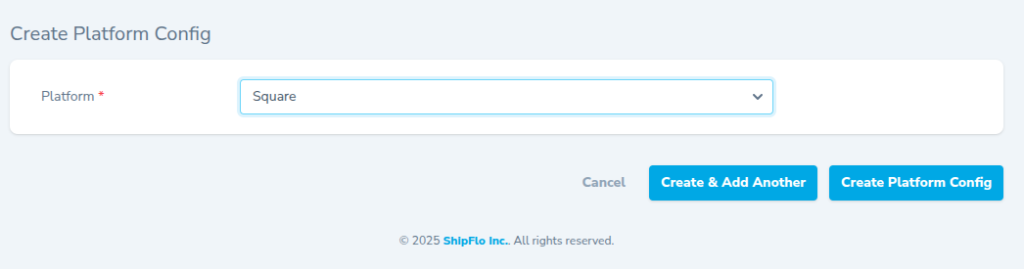
Step 1: Create Platform Config
- Log in to your ShipFlo dashboard.
- Go to Profile → Create Platform Config.
- Select Square, click Create Platform Config, then click Connect.
Step 2: Allow Permissions
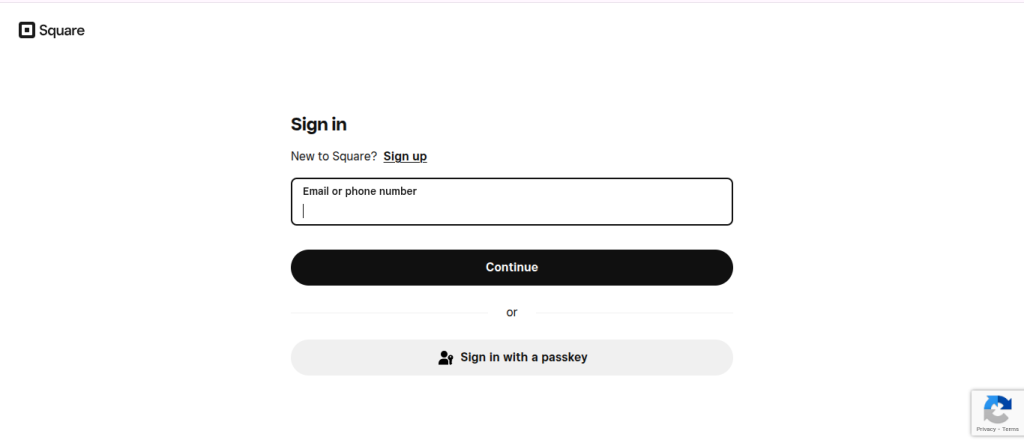
- Log in to your Square account when prompted.
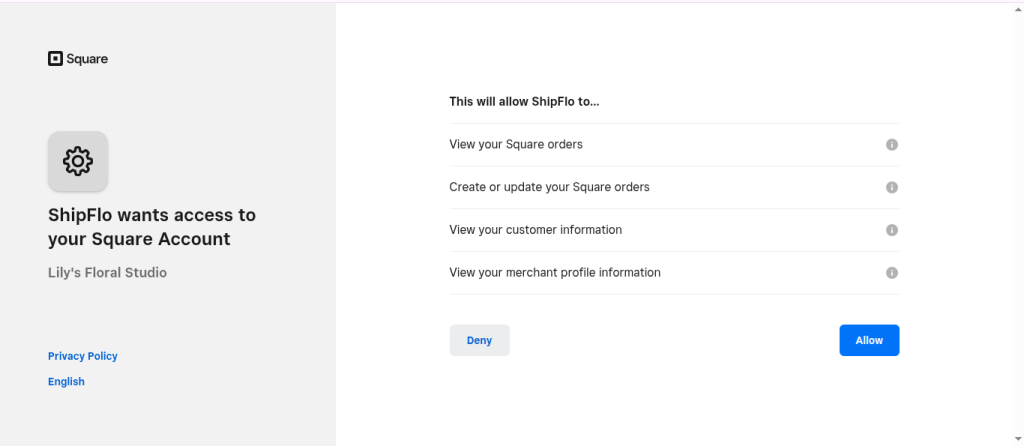
- Click Allow to grant ShipFlo access.
Once connected, only new orders with shipping addresses inside ShipFlo’s supported service-area postal codes are auto-synced. Orders outside the service area are intentionally ignored.
Developer Notes & Tips
- No POS device or extra configuration is needed.
- For help, email [email protected] with the subject line: Square Integration Help.